IDM382: Internet of Things by Leanne Chin
Overview
Over the past 11 weeks, I worked on developing a device using the Internet of Things to be able to control a series of NeoPixel lights using a web browser in order to promote the use of technology to better the fundamental developmental growth of early childhood education. Through this project, I not only learned about the educational benefits that colors bring to a child’s education but also the process of understanding how to wire breadboards and work with Arduino without short-circuiting any equipment. I learned how to use a variety of different tools to reach my goal of working on my device online and how to adapt my code to each program.
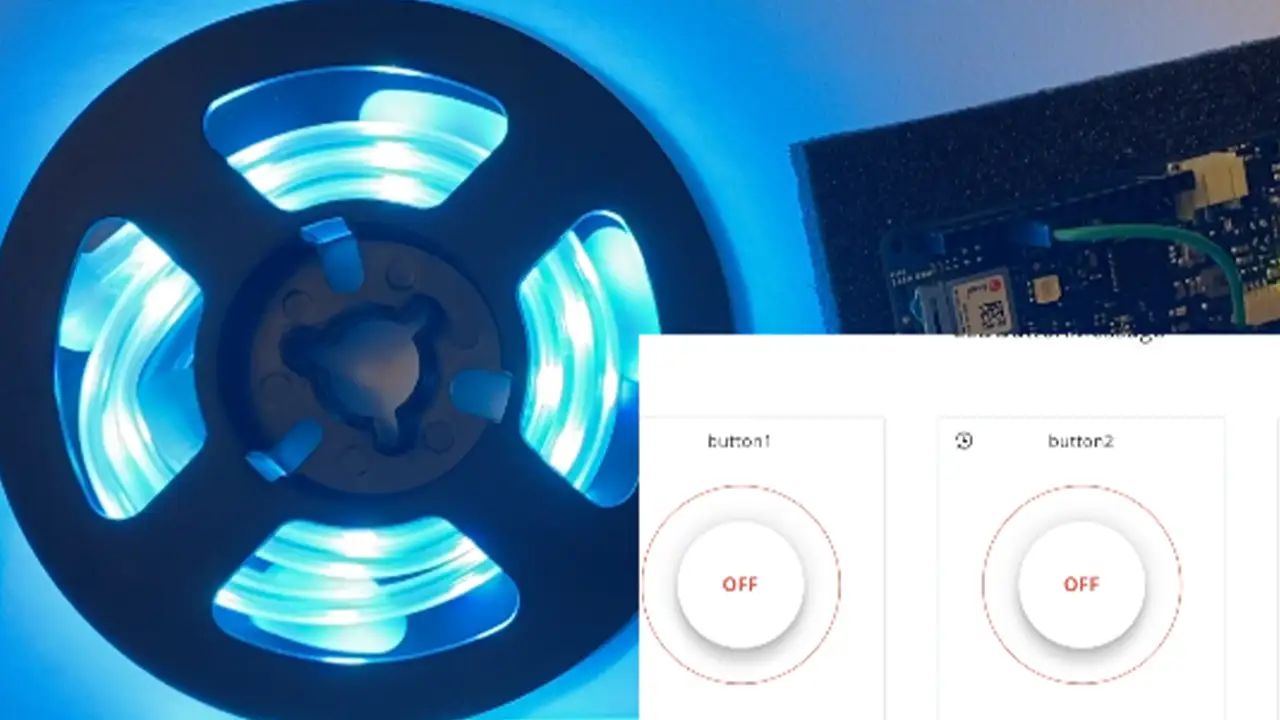
Goals
- Allow online access from online dashboard to control LED lights
- Debug problem with sticky buttons
- Debug problem where clicking onto one button
Final Presentation
Future Plans
- Seeing if it is possible to attach a projector to the Arduino
- Developing an interactive story book projector that reacts to the buttons that are pressed using IoT
Sample Code
void loop() {
    ArduinoCloud.update();
    // Your code here
    //Serial.println("looping");

    for(int i=0;i<NUMPIXELS;i++){

      // pixels.Color takes RGB values, from 0,0,0 up to 255,255,255
      pixels.setPixelColor(i, pixels.Color(redColor, greenColor, blueColor));
      // Moderately bright green color.

      pixels.show(); // This sends the updated pixel color to the hardware.

      delay(delayval); // Delay for a period of time (in milliseconds).

      // Serial.println(i);

    }

  } // END LOOP


  void onLEDbuttonChange() {
    // Do something
  }

  void onButton1Change() {
    // Do something

    Serial.println("virtual button click");

    lEDbutton = "Button Color 1 Pushed";

      noColor();

  } // End Here

  void onButton2Change() {
    // Do something

    lEDbutton = "Button Color 2 Pushed";

    setColor();

  } // End Here


  void onButton3Change() {
    // Do something

    lEDbutton = "Button Color 3 Pushed";

    setColor2();
  }

  void noColor() {
    redColor = 0;
    greenColor = 0;
    blueColor = 0;
  };


  void setColor(){
    redColor = 0;
    greenColor = 255;
    blueColor = 255;
    Serial.print("red: ");
    Serial.print("green: ");
    Serial.print("blue: ");

  };

  void setColor2() {
    redColor = 255;
    greenColor = 0;
    blueColor = 255;
};